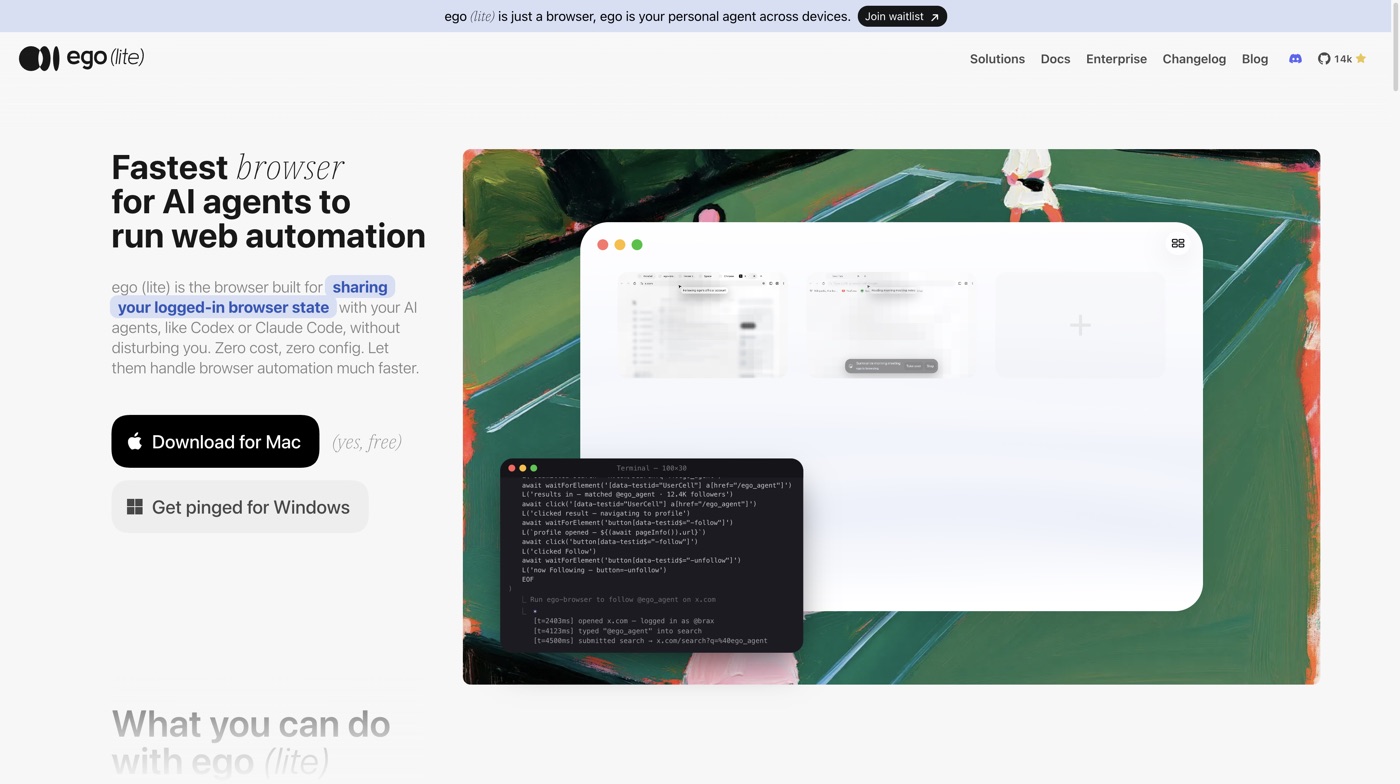
Most browser automation breaks for a boring reason. The browser doing the work is not the browser you actually use.
Playwright and Puppeteer launch a clean Chromium with no cookies, no extensions and no session. So the first thing your agent meets on any real task is a login wall, and often a second factor behind it. The workaround is to attach the agent to your own Chrome, and then it fights you for the window: new tabs appear mid sentence, focus jumps, and a stray mouse move corrupts whatever the agent was measuring.
ego (lite) is a Chromium browser built around that specific conflict. I have been using it as the default browser automation tool for this portfolio, so this is a writeup of what it is, how it works, and where it earned its place in my setup.
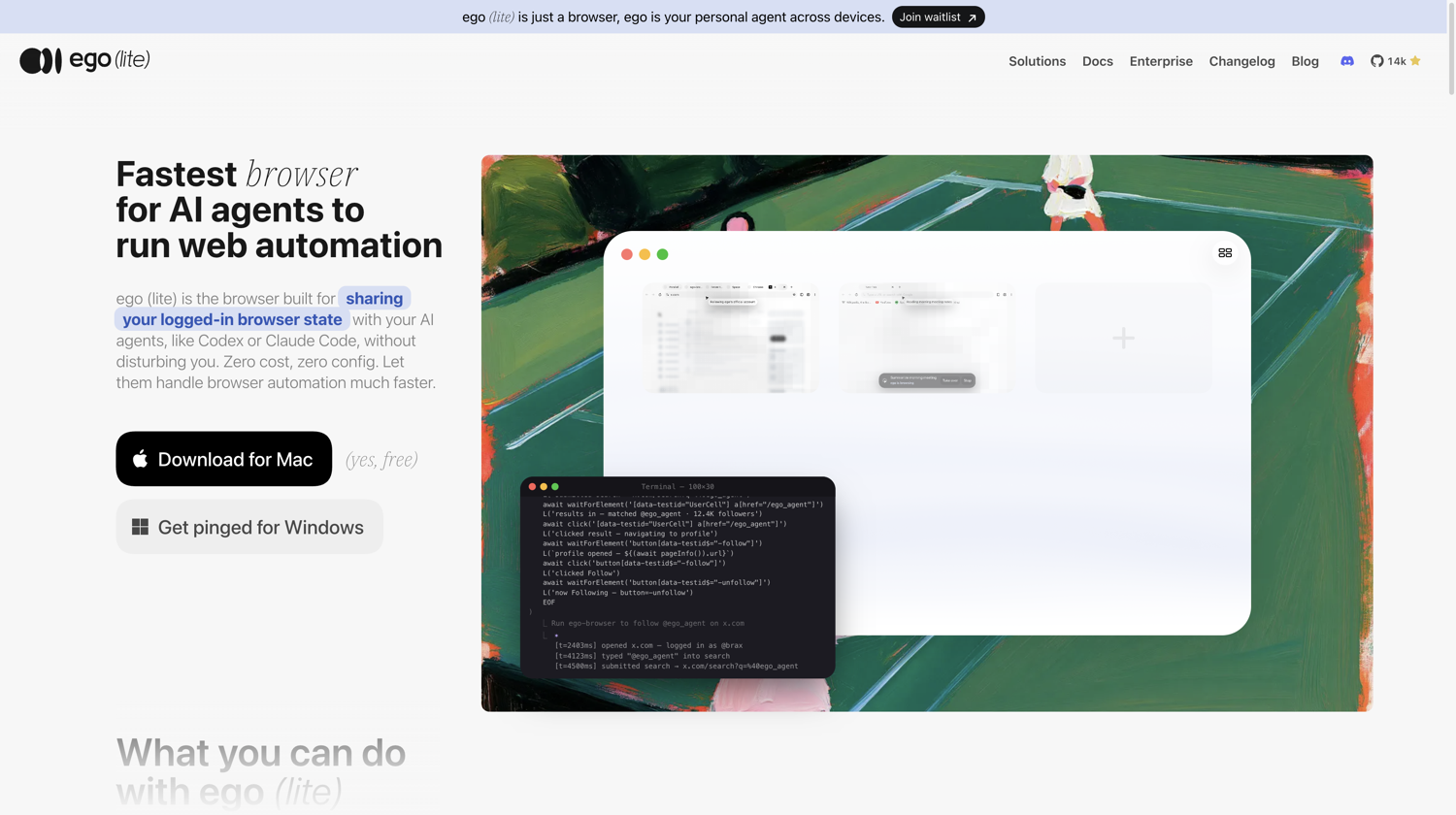
ego (lite) homepage
What it is
ego (lite) is a desktop Chromium browser from Citro Labs that is designed for two users at once: you, and the coding agent working on your behalf. It is free, it is open source on GitHub, and at the time of writing the repository sits around 14k stars.
It is not an agent. There is no model baked in and nothing to subscribe to. It is the browser, and you point whatever agent you already use at it. Claude Code, Codex, Cursor, Gemini CLI, or any agent that can run a shell command.
The one hard constraint today is the platform. It is macOS only, on both Intel and Apple Silicon. Windows is a waitlist on the download page and Linux is on the roadmap, so if you are automating from a Linux box this is not yet your tool.
Why it exists
Two failure modes motivate the whole design.
The first is the logged out browser. A fresh automation profile cannot open your CRM, your inbox, your analytics, your billing dashboard or any internal admin panel, because none of them will let it in. You can script a login, but then you are storing credentials in a place that should never hold them, and you are still stuck the moment a site asks for a second factor.
The second is contention. Sharing your live browser with an agent means sharing the cursor, the focus and the tab strip. It is unusable for anything that takes more than a few seconds, and it quietly poisons measurements, which matters if the agent is verifying UI.
ego (lite) resolves both by importing your real Chrome state and then isolating the agent inside it.
How it works
Spaces. A Space is an isolated browsing context with its own tabs, which inherits your login state by default. The agent gets a Space, you keep your windows, and neither one touches the other. You can watch a Space while it runs, take control of it mid task, or hand it back.
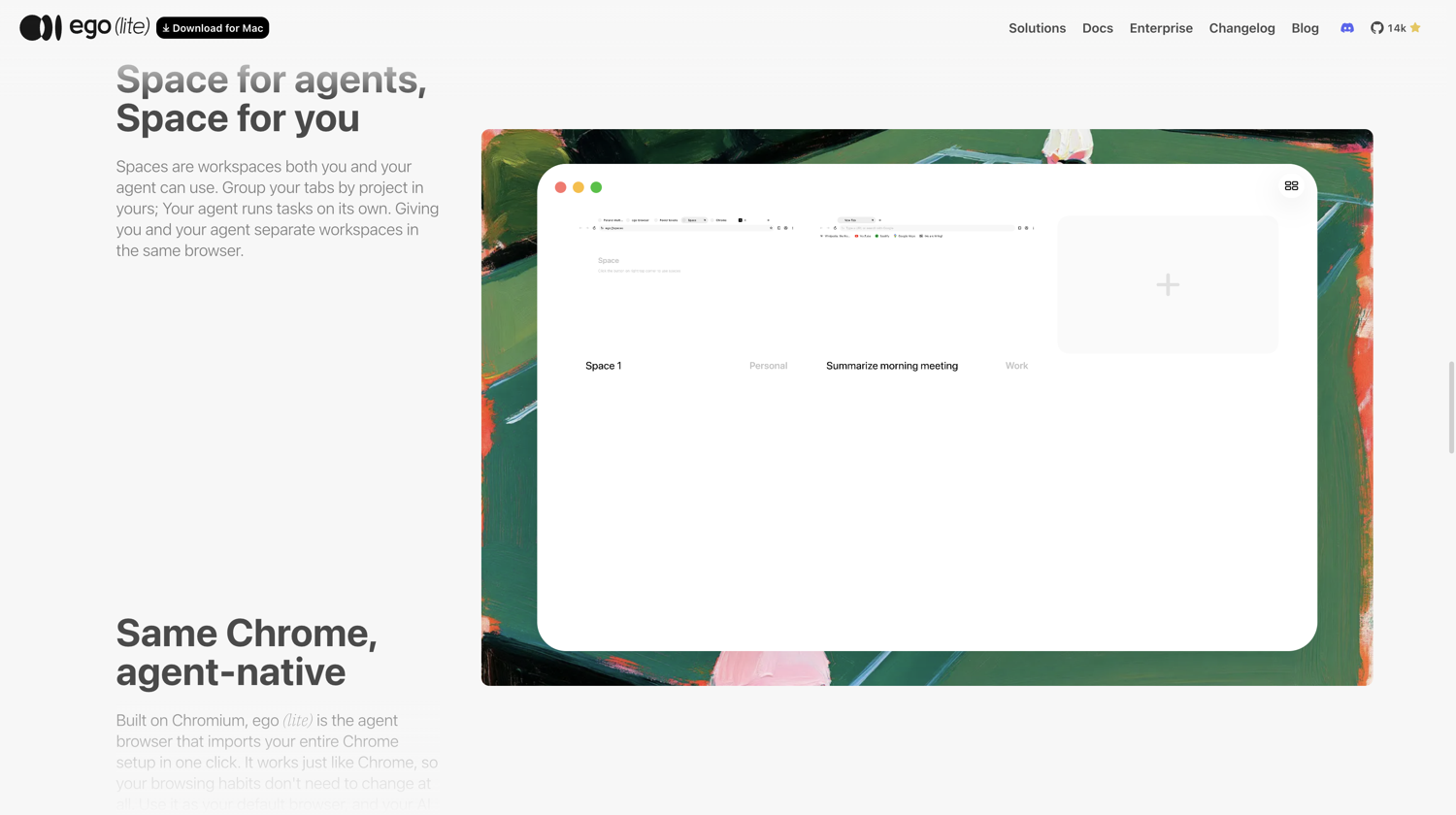
Spaces in ego (lite)
One click Chrome import. During onboarding it carries over tabs, bookmarks, saved passwords, extensions, cookies and profiles. This is the part that makes authenticated automation practical rather than theoretical.
Code instead of a call per click. This is the real architectural difference. Most agent browser tooling exposes one action per tool call, so a ten step task costs ten round trips through the model. ego (lite) gives the agent a Node runtime and lets it compose the whole sequence in a single script:
Their published benchmark claims this finishes a representative scraping task 3.45x faster than agent-browser and on fewer tokens. Treat the number as a vendor benchmark, but the mechanism behind it is real and you feel it: fewer round trips, and a semantic page snapshot instead of raw HTML.
The ego-browser skill. The bridge between agent and browser is a published skill. Install it once and any shell capable agent can drive the browser. The docs are good and the quick start genuinely is a couple of minutes.
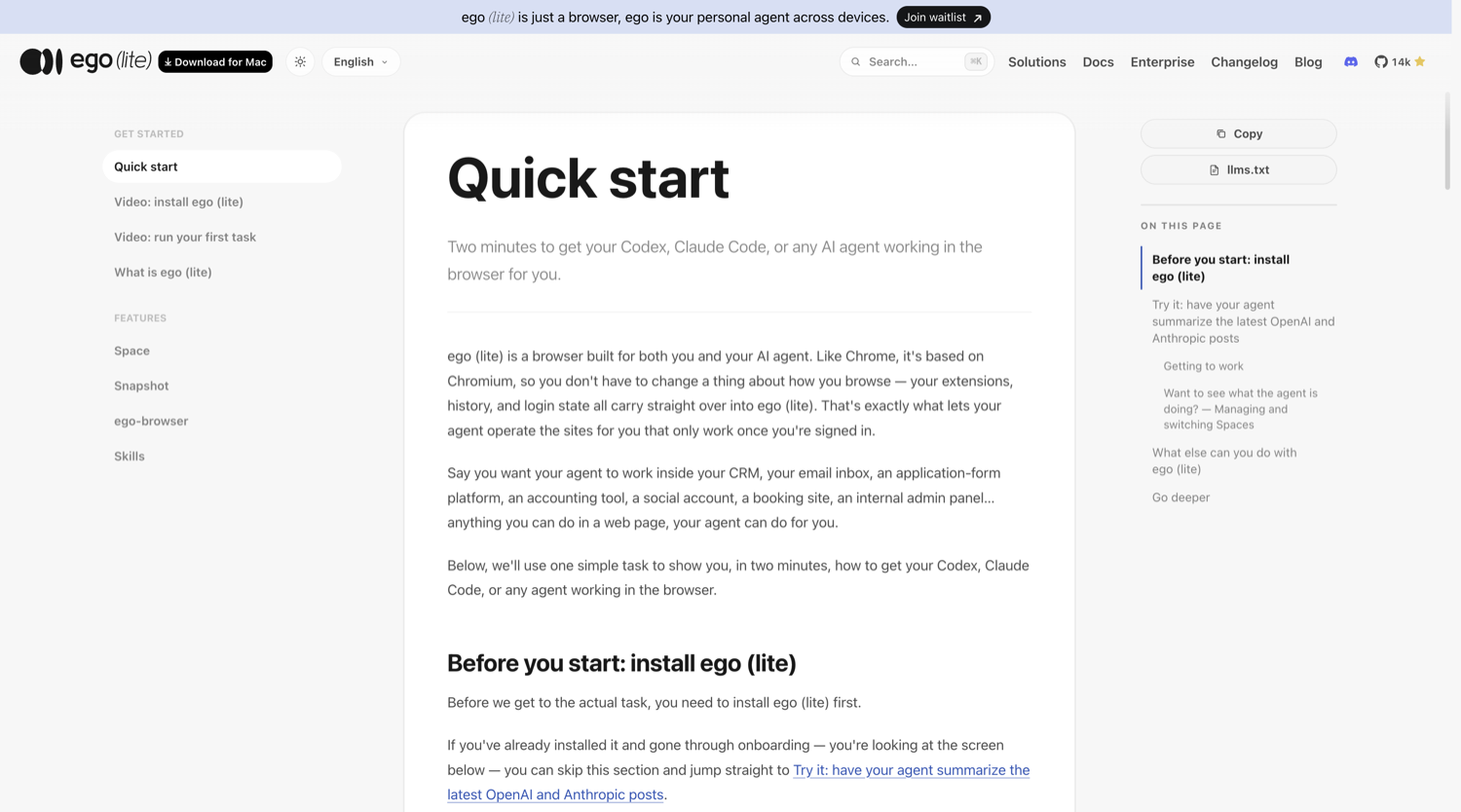
ego (lite) quick start docs
Where it fits my work
This portfolio is a motion heavy Next.js site. The hero has a cursor tracked bar that opens a window onto a painting, the work section pins and dismantles itself on scroll, and the contact panel morphs out of a small square. Every one of those is a thing you cannot verify by reading the diff.
That is the job I hand to ego (lite). Not scraping. Verification.
A concrete example. I recolour the hero copy wherever the bar crosses it, which required proving the orange band lands exactly on the bar and nowhere else. The agent drove a synthetic pointer to x=1505 and measured the clipped layer: the name is 461px wide, the clip cut 168px from the right and 167px from the left, leaving 126px of orange. The bar at that moment was 126px. That is a verification, not an impression.
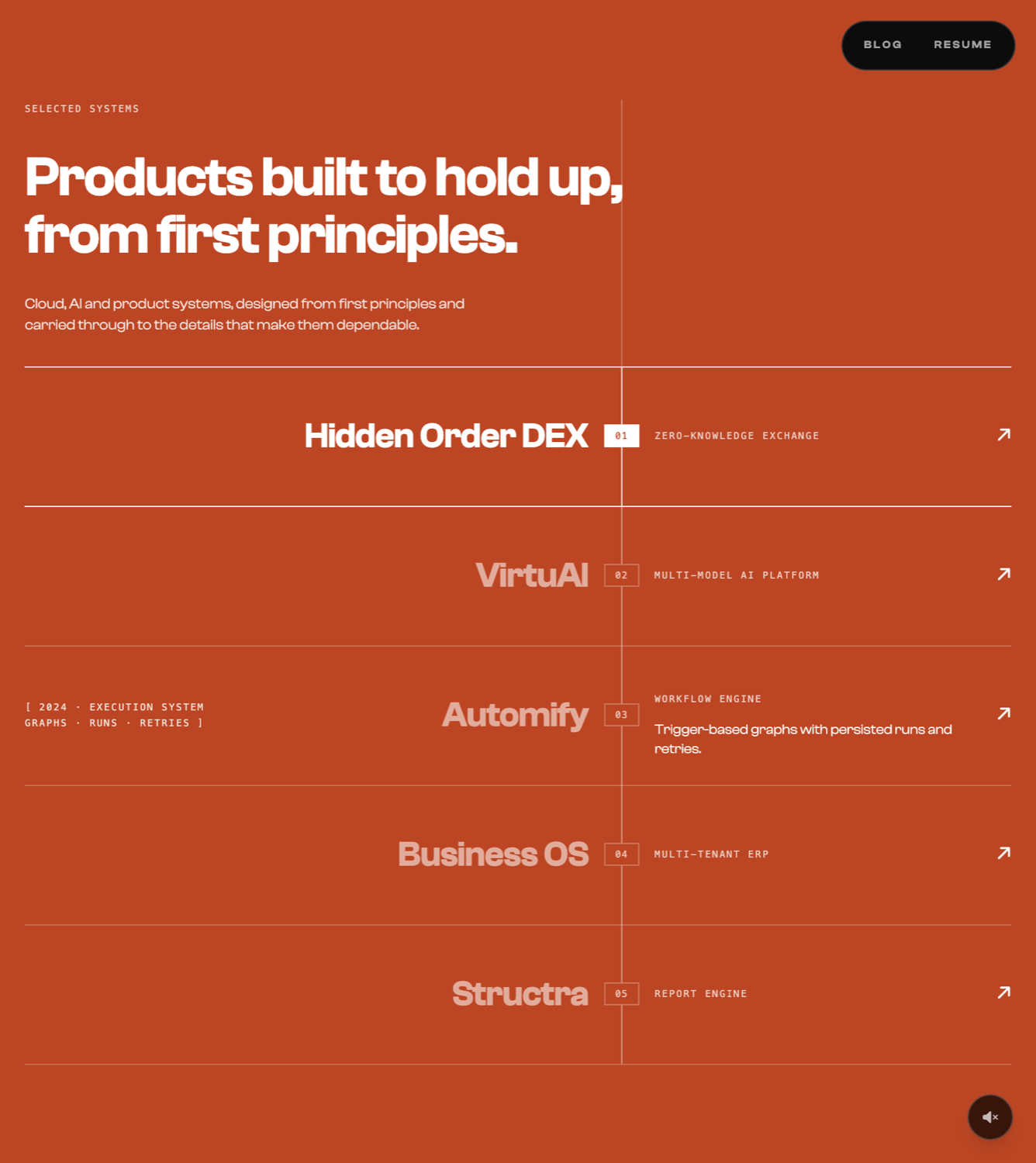
Agent verifying the project ledger
The same loop caught a regression I had introduced and would otherwise have shipped. I had moved an attribute so the scroll animation would fade a row's description, and the animation started writing an inline opacity on every row from the first frame, which beat my CSS. All five descriptions were visible at once. The numbers looked fine. The screenshot did not, and that is what surfaced it.
It also works against the deployed site, not just localhost.
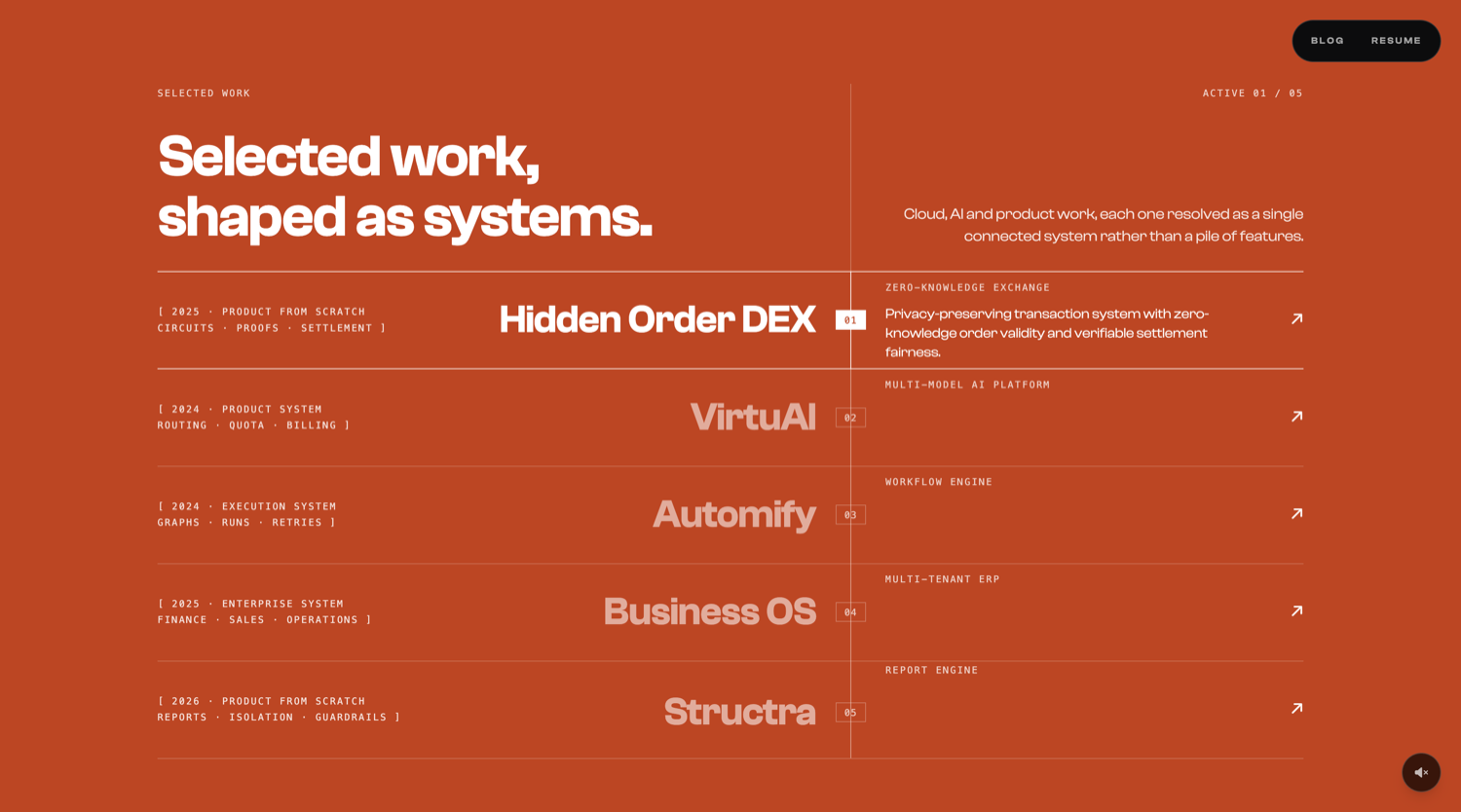
Agent driving the live site
What I learned the hard way
Five things cost me real time, and all five are now written into a rules file the agent loads on every session.
openOrReuseTab does not reload. It attaches to an existing tab. If the code changed since that tab loaded, you are measuring a stale page and will happily confirm a fix that never ran. The tell is two runs returning byte identical numbers across different code. Always navigate explicitly after a change.Your physical cursor contaminates synthetic input. The real mouse fires trusted pointer events into the same page, so any measurement of pointer driven UI drifts. A capture phase listener that rejects
isTrusted events fixes it. Without it I once chased a resting value that was nowhere near its resting state.Injected helpers do not survive. Functions attached to
window vanish on reload and are absent in a fresh process. Reinstall them at the top of every script block.Long scripts time out. A single evaluate call running several seconds of animation frame loops fails outright. Split it into short calls.
Animation frames throttle in an unfocused window. Measure end states and invariants, not frame by frame ramp timing, or say plainly that the timing numbers are throttle affected.
One more, less technical: one Space per task, not one per attempt, and close it when the task is genuinely done. Spaces are cheap but they are not free, and an orphaned one is just a stale tab waiting to lie to you.
Where it does not fit
It is macOS only today, which rules it out for Linux CI. It is a desktop application, so it is not a headless runner for a build pipeline. And for a plain HTTP fetch it is overkill: if you want JSON from an endpoint, curl is still the right answer.
It is also worth being clear eyed about the trust model. You are handing an agent a browser that is already signed into everything you are signed into. Browsing data stays on the device, which is the right default, but the blast radius of a bad instruction is your real accounts. I keep write actions explicit and I do not let an agent authenticate on my behalf.
Verdict
The thing I did not expect is that the value was not speed. It was that verification became cheap enough to actually do.
When checking a hover state means writing a paragraph of setup, you check it once and move on. When it costs one script against a browser that is already logged in and already on the right page, you check the idle state, the hover state, the keyboard focus state, and the mobile fallback, every time. Two regressions in this site were caught that way in a single afternoon, and both would have reached production.
For a motion heavy front end maintained by one person, that is the whole argument.